

When you're logged in CMS, there's a media tab in the right asset pane.
How to upload media files to Optimizely



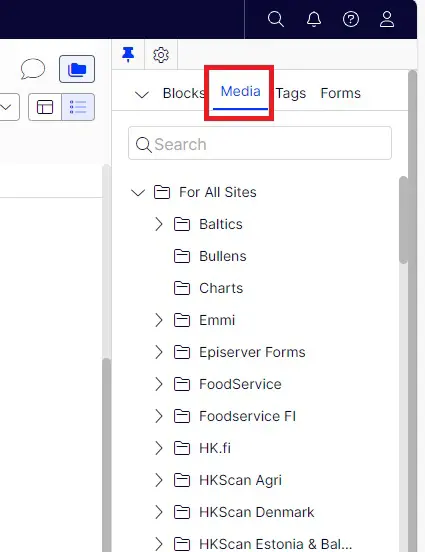
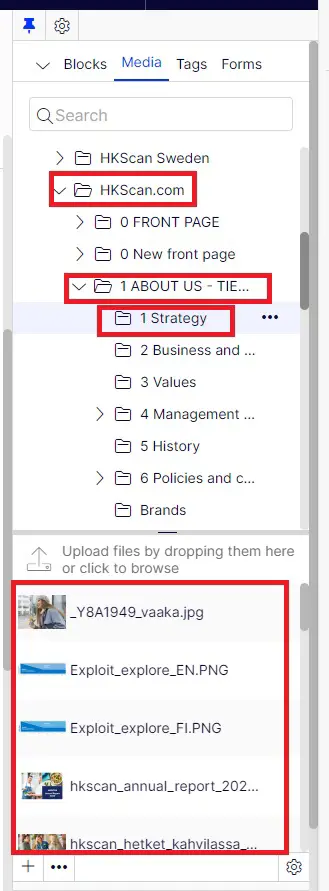
In the media tab find the right site folder and a correct subfolder. When you click on the subfolder, you're able to see the media files attached to this folder underneath:
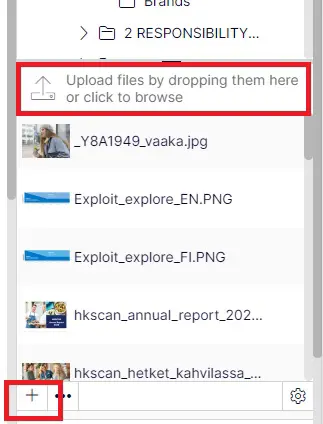
To upload media files to the right folder, you can either drag and drop the images or click the plus icon at the bottom
If you press the plus icon, a pop up window will display:
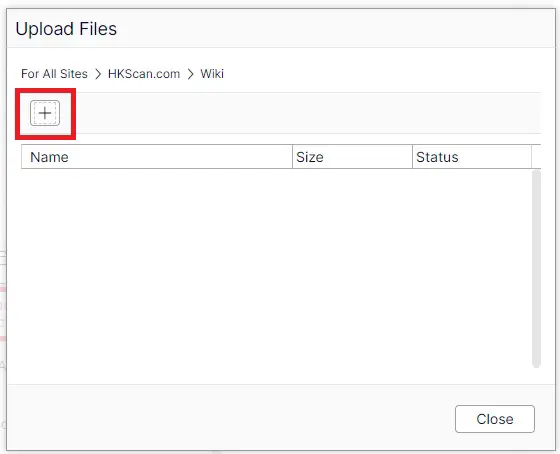
Press plus again and select the right media files from the media folder. When it's uploaded, the pop up window will look like this:
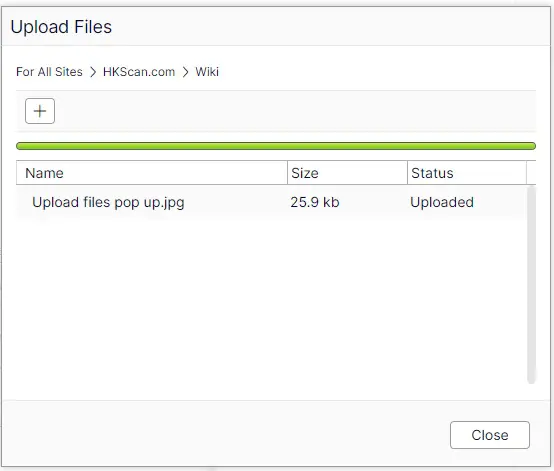
Now press Close button and the file will appear to the media file listing on the right. From there you can drag and drop to the pages or blocks you're working on.
HKFoods related images go to HKScan.com media folder and to its subfolders. The subfolders have been named as much according to the site's navigation tree on the left. For example if you want to upload something to Debt investors page, in the Media tab select the folders: HKScan.com -> 3 Investors -> 2 Financials -> 1 Debt investors