
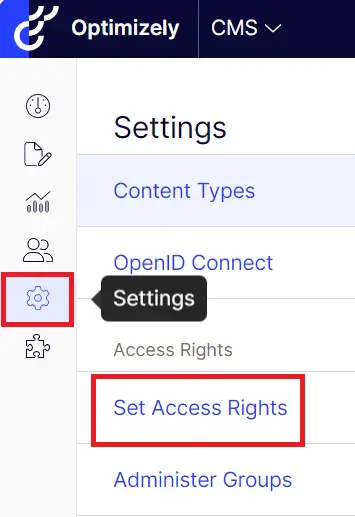
On the left navigation, go to Settings
How to create a new user in Optimizely



There select Set access rights:
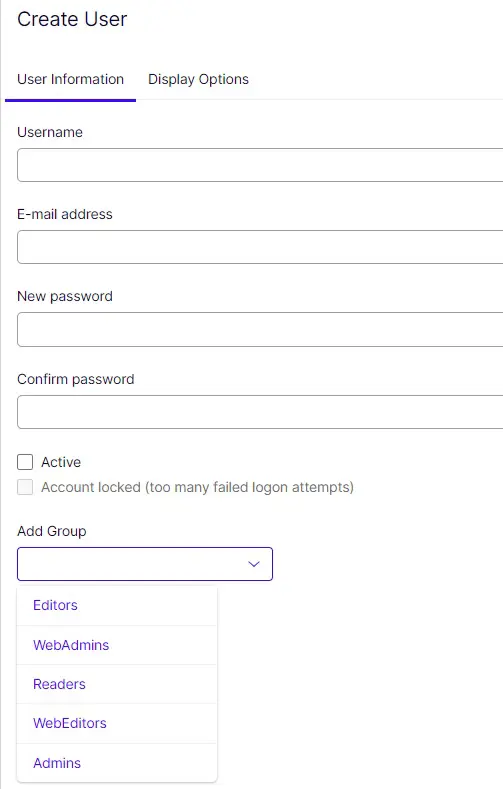
Press Create user and fill in the information on the form, remember to also Add Groups the user belongs to (if you are not sure, you can check this by clicking on some of the names on the Users list in the previous view. At the bottom of the form are the groups the user has been linked to). Finally press blue button "Create" from the lower right corner.