
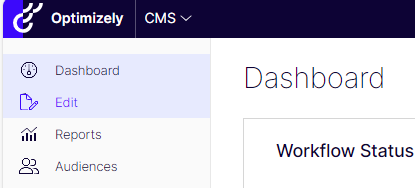
When you log in to Optimizely, you will first most likely land to Dashboard view.
General editor view



Change the view to CMS (Edit) from the upper left corner from the square.
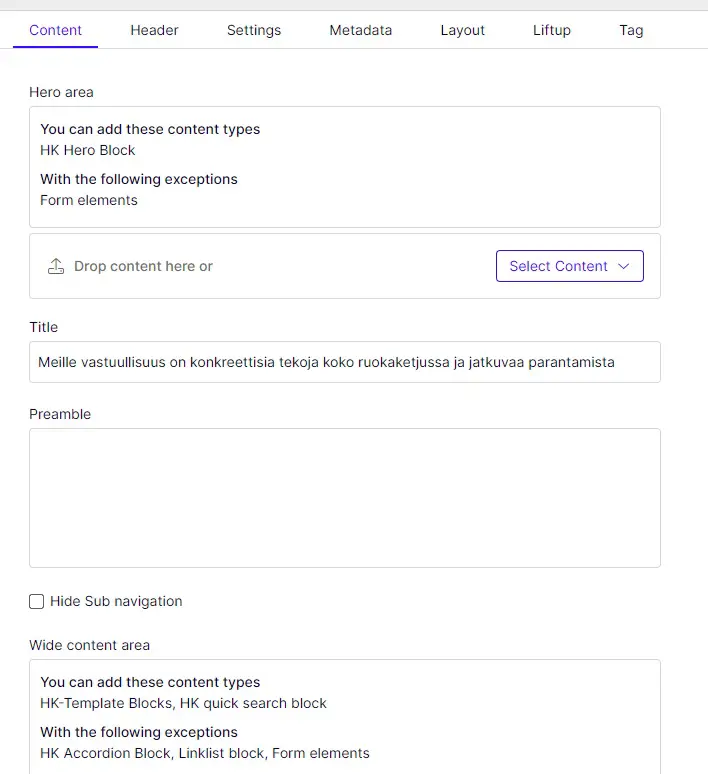
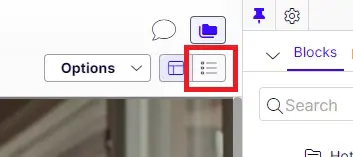
When you log in to the site, the view may look the same as in the actual site. Change the On-page Editing view to All properties view from the upper right corner.
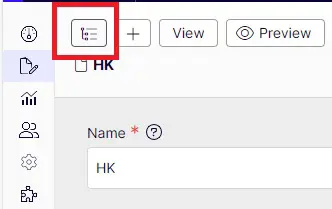
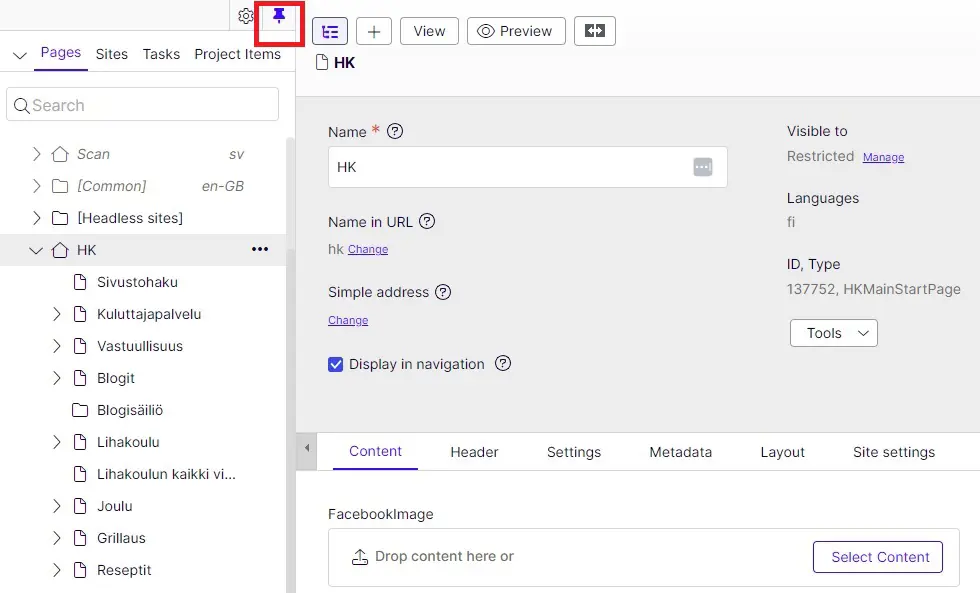
To see the site navigation/content tree, press Toggle navigation pane from the upper left corner.
It's recommendable to pin the pane as it helps you to understand the site structure.
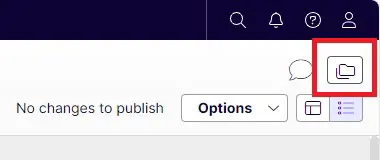
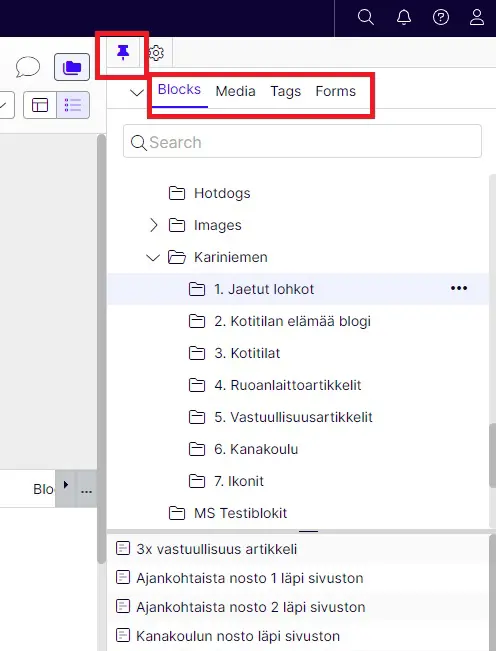
On the right side click open Toggle asset pane and pin it too. This pane shows the different blocks, media (images and videos), tags and forms used in the sites.
Now it's easier to add and update the content on different pages. Content tab is always the first one. There it's possible to add blocks, images, text and videos to the page. More info on the next instruction sections.