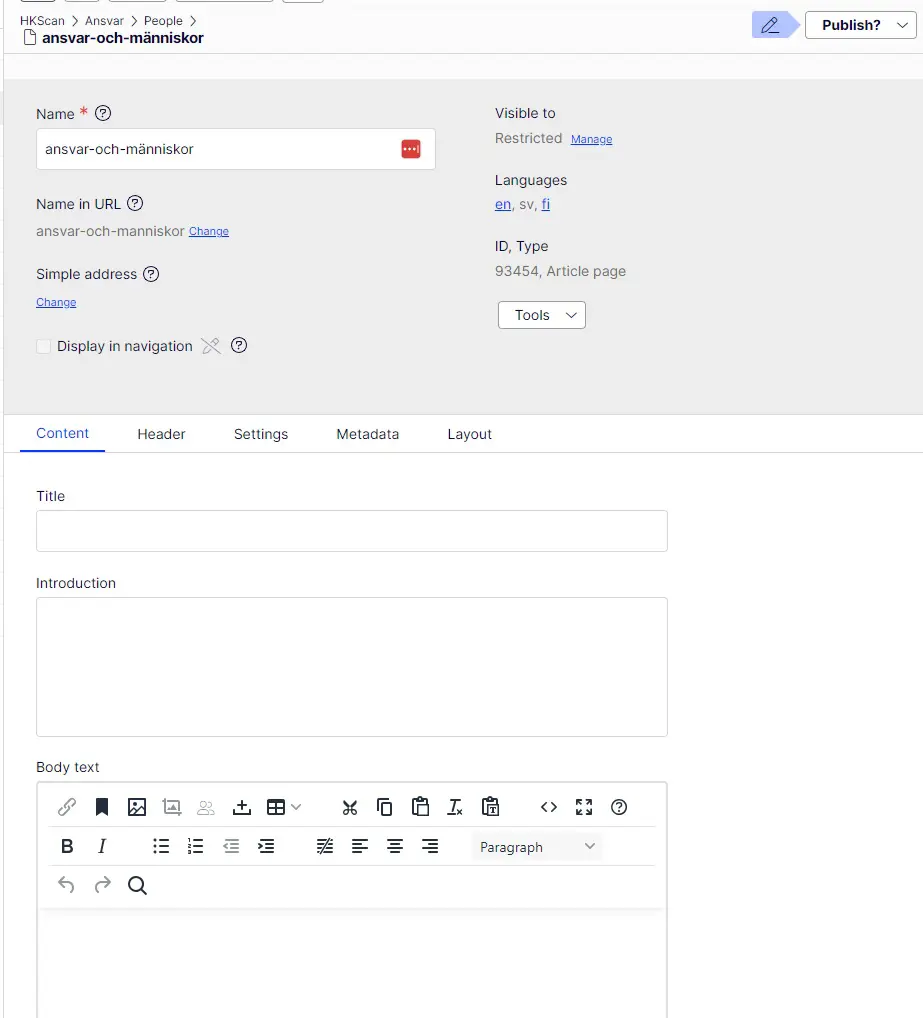

HKFoods.com is available in several languages. English is the main language though so whenever creating something new (page or block) it's recommended to create it first in English and then in other languages.
Create language versions



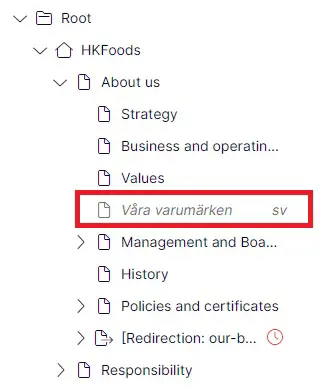
To know which language is the active in the CMS (to which language versions you are logged in), you can check this from the CMS from the left navigation pane. In the example below it's clear the we're in the English version. In the middle though there is a page that is only available in Swedish.
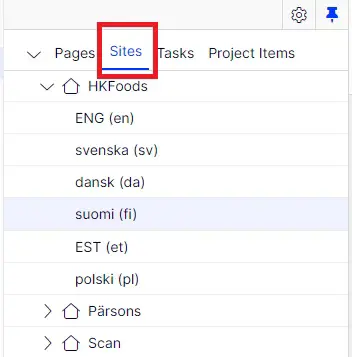
You can go to different language versions from the top on the left navigation pane, on Sites tab:
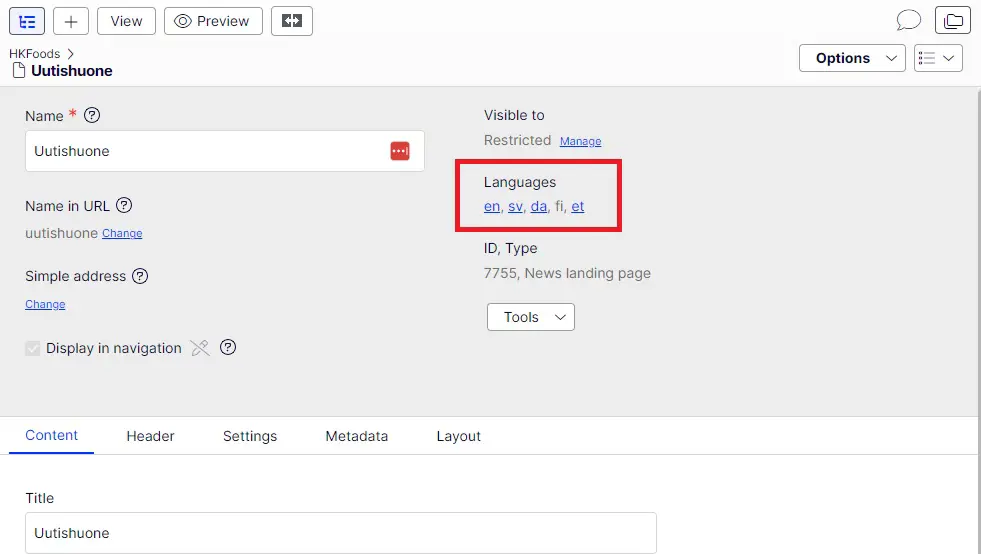
The other way is to go to the page you want in CMS and then change the language from the top on the gray area:
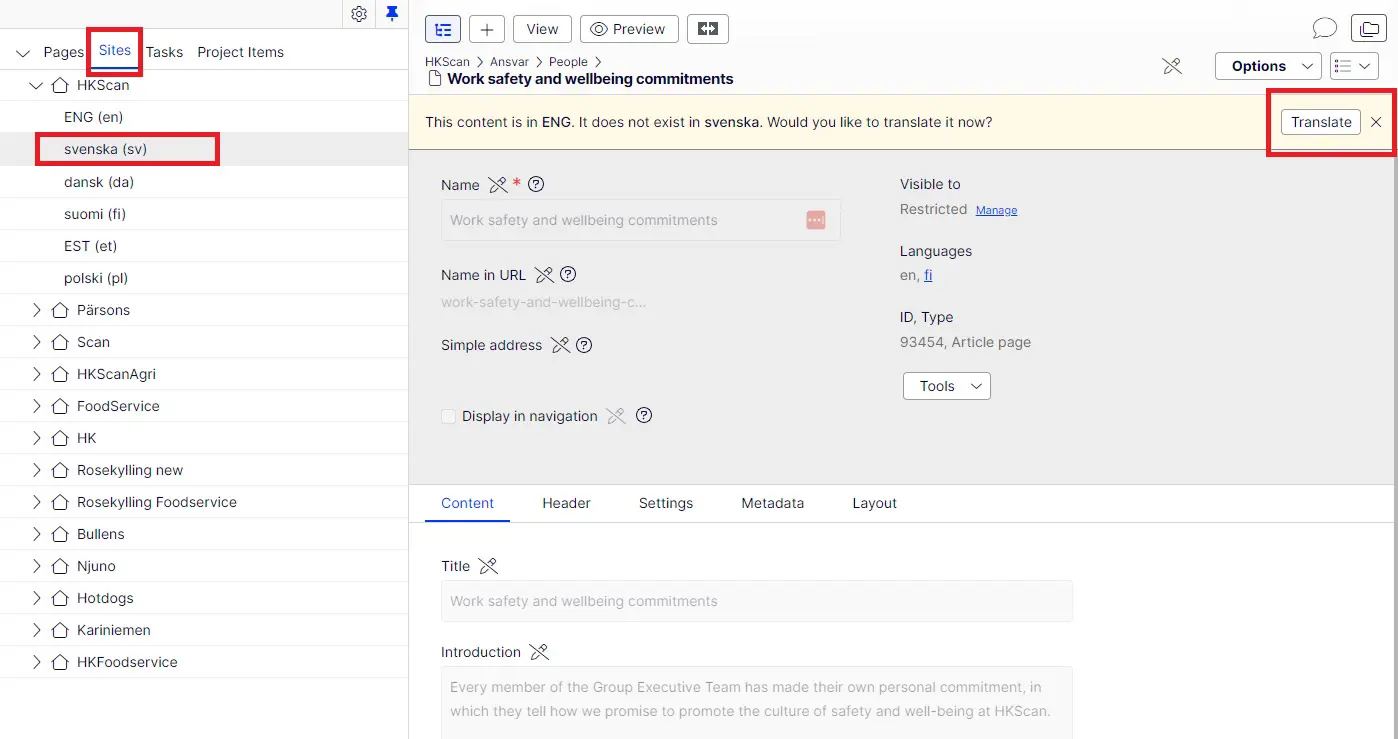
When you want to create a new language version of a page, go the wanted page in CMS tree and then press Sites tab and select the language you want to create the page. There's a yellow top banner, press Translate.
Then change the url to the language version and finally press Create:

Now you can add the language version texts to the empty fields. Finally remember to Publish changes.
- If however there are fields that in gray and not possible to edit, it means those fields are similar in all language versions and can be only edited in the original language the first version of the page is created aka English or Finnish.